
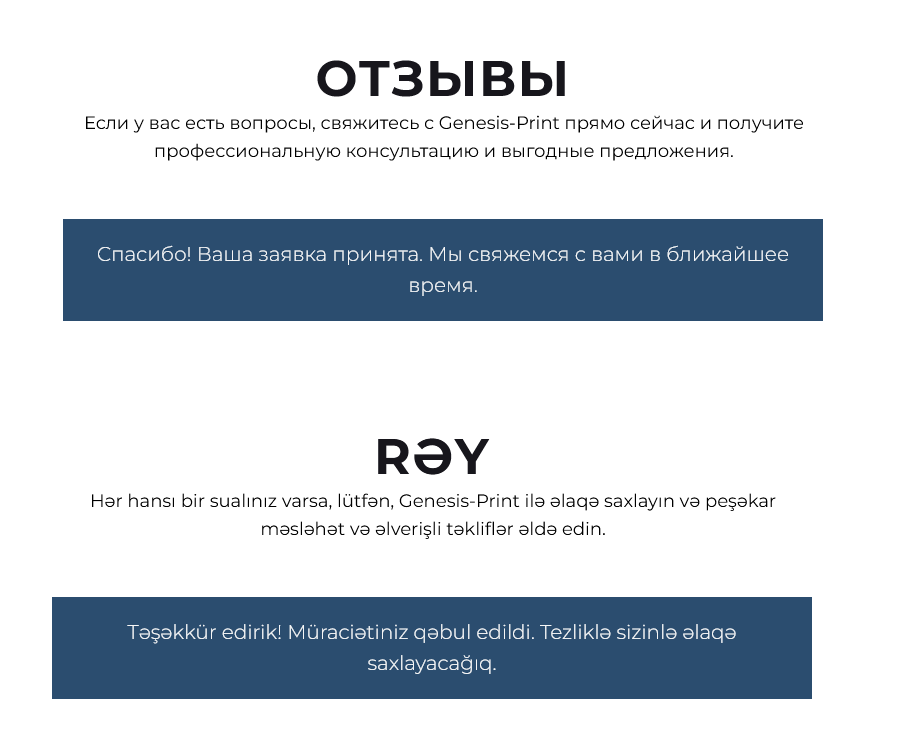
A multilingual website is not just about translated content. It's important that users can submit an application or place an order as easily as on a local website. That's why Multify not only translates pages and products but also automatically adapts forms in all languages.
Let's break down exactly how it works 👇
📱 1. Automatic Localization of the Phone Number Input Field
On Tilda websites, forms are created using ready-made blocks. You can set fields in them — text, checkboxes, dropdown lists, including a phone input field.
However, in Tilda, by default, the number format is the same for the entire website — for example, +7 for Russia or +374 for Armenia. This is inconvenient for a multilingual website where each user may have their own country and code.
🔧 Multify dynamically changes the code and flag in the phone input field depending on the language and region:
- 🇦🇲 If the user is on the Armenian version — the form will show +374
- 🇷🇺 On the Russian version — +7
- 🇺🇸 On the English version — +1
- etc.
📦 This works even in the Tilda cart when the user places an order. The format and flag are automatically adjusted to the language or country from which the user accessed the site.
💬 Form Text Translation
Tilda by default does not translate service messages, such as:
“Thank you! Your application has been accepted.”
“Please fill in all required fields.”
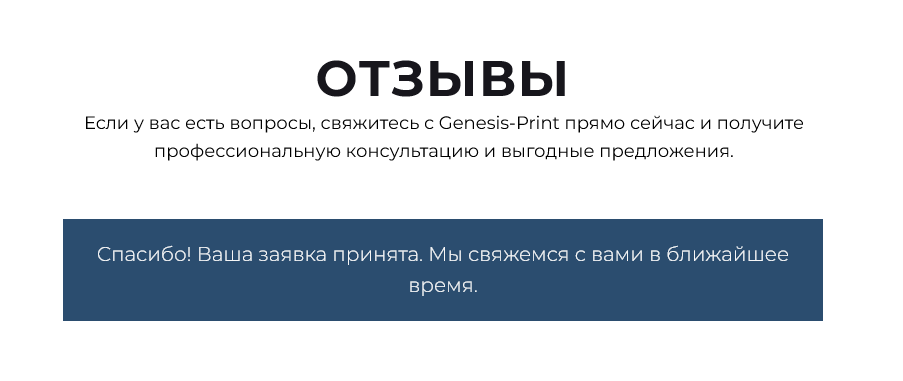
✨ Multify translates even such texts.
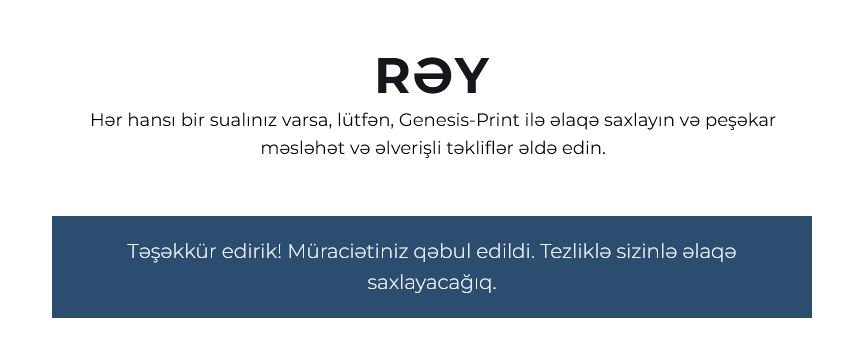
This is especially important if the user has fully switched to another language — everything must be localized down to the last word.
🗂️ 2. From which site did the application come?
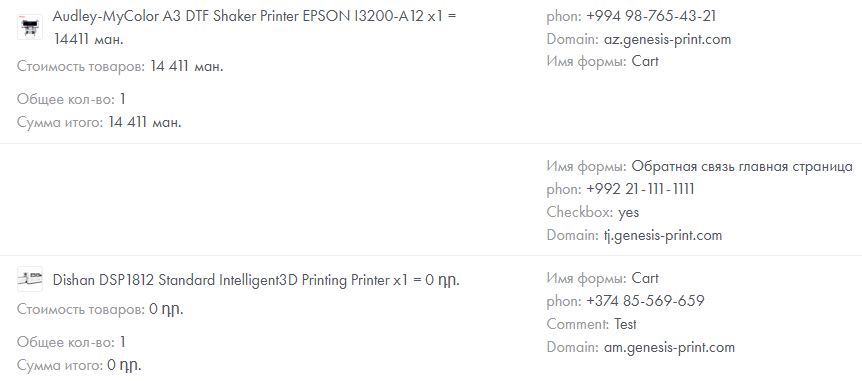
When you have one site, everything is simple. But if you use Multify with subdomains (am.example.com, az.example.com, tj.example.com), you need to understand exactly where the application came from.
Multify automatically adds a hidden field to each form:
multify_origin: tj.example.comThis field:
- does not require manual setup;
- is transferred to Tilda CRM, Telegram, email, or wherever you have configured sending;
- allows you to filter applications by language or region.
💱 Bonus: localization of currencies and totals in the cart
Multify can automatically convert currency. For example:
"currency": {
  "symbol": "֏",
  "side": "l",
  "decimals": 0,
  "convert": {
    "from": "USD",
    "to": "AMD",
    "rate": "auto"
  }
}
💡 This means that:
- Prices are automatically recalculated at the exchange rate;
- The correct symbol is displayed (₽, ֏, ₸, etc.);
- In the correct position (left or right depending on language rules);
- The "Order" button is translated.
Below is an example of product cards with prices in USD / RUB / AMD:
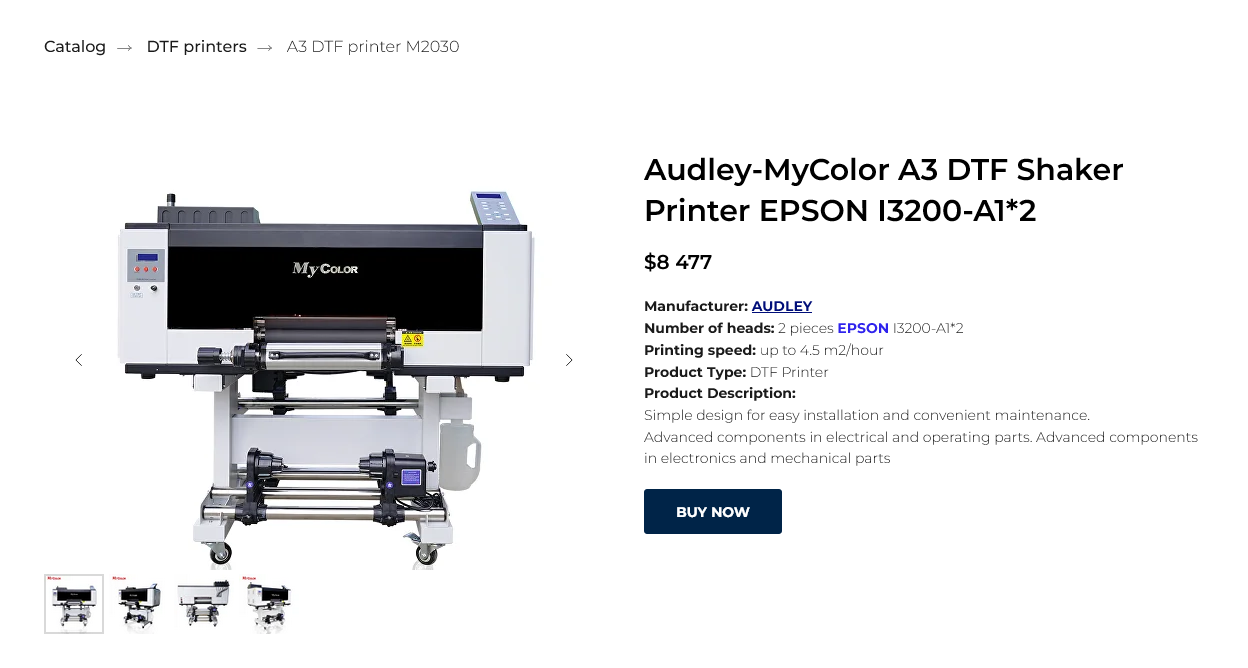
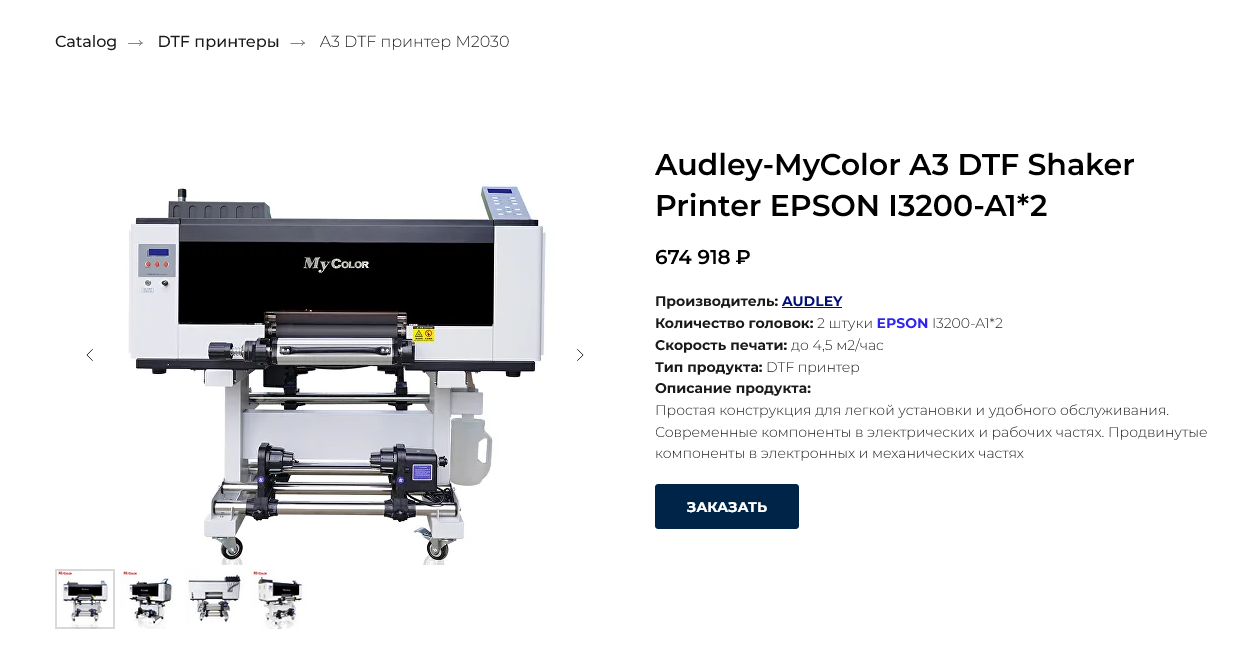
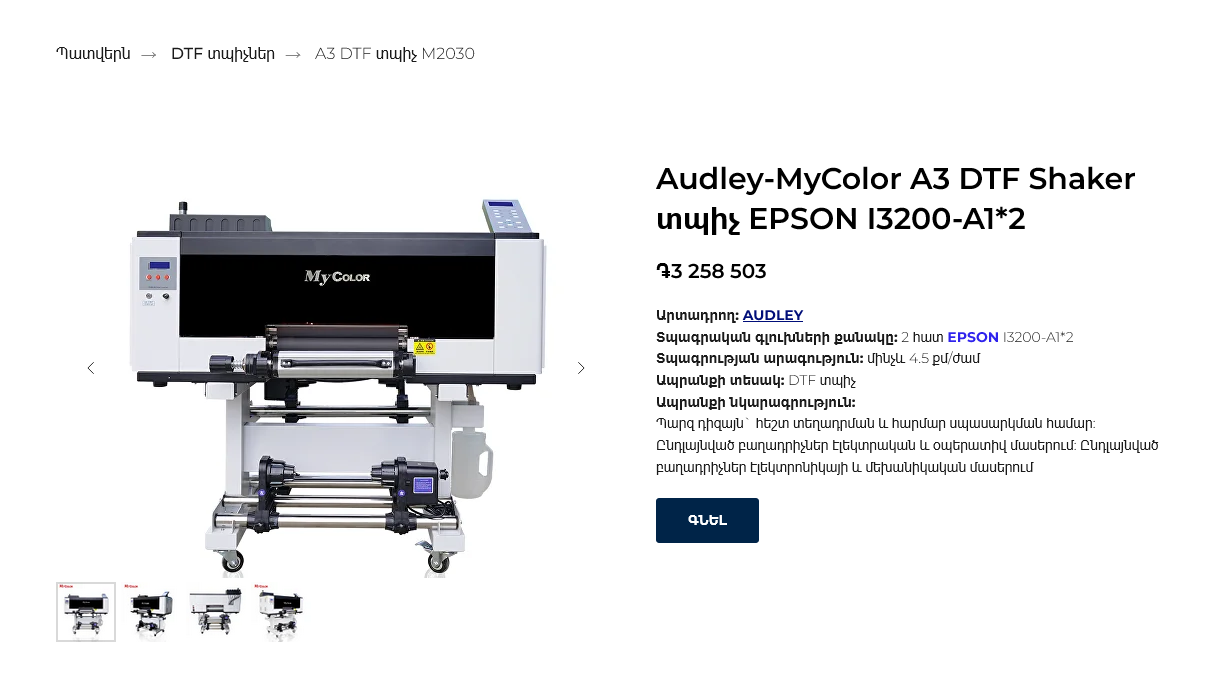
And when placing an order, the word "Total" is translated:
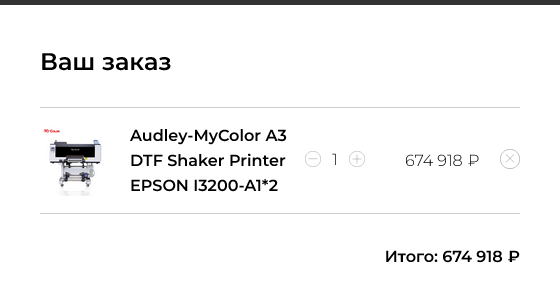
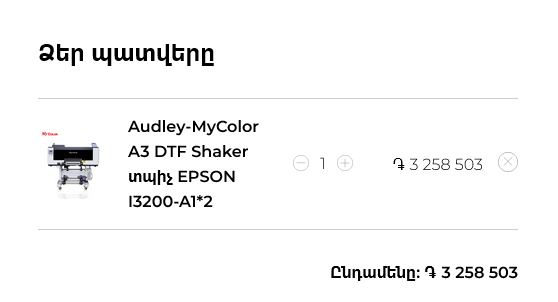
What do you need to do for this?
👉 Nothing.
No additional setup is required; once Multify is connected, form translation will work correctly in all languages.
The entire website interface is translated in a matter of minutes.
🛒 Summing up
You get:
📞 Phone in the correct format — in all languages
🌐 Translation of all buttons and messages during order processing
🔍 Visibility — from which subdomain the application came
💸 Correct currency and price
⏱ Translation is done in minutes without additional settings
📞 Phone in the correct format — in all languages
🌐 Translation of all buttons and messages during order processing
🔍 Visibility — from which subdomain the application came
💸 Correct currency and price
⏱ Translation is done in minutes without additional settings
📩 Want to see how it works on your website?
Try Multify for free for 7 days. To see an instant translation of all your website's functionality, contact us without delay.